
How to Automate Payroll & Single Touch Payroll (STP) Reporting in Australia: A Practical Guide for Finance Teams
Ordron22 min read
Single Touch Payroll Phase 2 is not coming, it is here, and the ATO is actively monitoring compliance. Yet most mid-market finance teams I speak with are still running payroll workflows that involve exporting CSVs, re-keying data between platforms, and manually reconciling STP lodgements against their general ledger each pay cycle. That combination creates ATO risk, eats 8 to 15 hours per cycle, and produces the kind of errors that turn a routine payroll run into a Friday afternoon crisis.
The good news is that single touch payroll automation Australia-wide is genuinely achievable for businesses of almost any size, including those running legacy systems that vendors would rather you replace. The barrier is rarely technical. In most cases, no one has mapped the manual steps precisely enough to know exactly where the process breaks. That specificity is the work, and once it is done, automation follows quickly.
This guide covers what STP Phase 2 actually requires, where manual payroll workflows break down, how automation architecture works in practice, and what a realistic implementation looks like for a mid-market Australian finance team. I am including measured post-go-live numbers from work we have shipped, not aspirational projections from a vendor brochure.
Key Takeaways
- STP Phase 2 requires granular disaggregation of gross pay into distinct income types, and the ATO validates this data at the field level on every pay event lodgement.
- Manual payroll workflows typically fail at three points: data re-keying between systems, reconciliation gaps before BAS lodgement, and amendment handling when errors surface after submission.
- Payroll automation connects your payroll platform (KeyPay, Employment Hero, Xero Payroll, MYOB) to STP reporting and your GL via integration middleware or RPA, eliminating the manual handoffs between each.
- A phased implementation across 8 to 12 weeks is realistic for most mid-market businesses, and you do not need to replace your existing systems to achieve it.
- Measured outcomes from automation work in comparable finance environments include 80% reductions in reconciliation time and coding accuracy exceeding 95%, recorded after go-live.
- ROI is best measured in hours per month returned and error rates eliminated, not in multi-year projected savings models that obscure whether anything has actually worked.
Summary Table: Manual vs Automated Payroll Workflow
| Dimension | Manual Workflow | Automated Workflow |
|---|---|---|
| STP lodgement | Manual export and upload or re-keying into STP portal | Direct API submission from payroll platform on pay event |
| Reconciliation | Finance team manually compares payroll reports to GL each cycle | Automated matching with exception-only review |
| BAS alignment | Manual cross-check of PAYG withholding figures before lodgement | Automated PAYG extraction feeds BAS preparation directly |
| Amendment handling | Manual update in payroll, re-lodgement via STP portal, GL journal | Automated amendment detection triggers re-lodgement and GL correction |
| Audit trail | Spreadsheets, emails, and manual sign-off records | Timestamped, system-generated log of every transaction and lodgement |
| Cycle time (per pay run) | 8 to 15 hours across payroll, finance, and admin staff | 1 to 3 hours, routing only exceptions to humans |
What STP Phase 2 Requires From Australian Employers
STP Phase 1 required employers to report salaries and wages, PAYG withholding, and superannuation to the ATO each pay event. That was a meaningful step forward in real-time visibility for the ATO. Phase 2, which became mandatory for most employers from 1 January 2022 (with some DSP-dependent extensions running into 2023 for specific platforms), goes considerably further.
Under STP Phase 2, gross pay must be disaggregated into discrete income types. Instead of reporting a single gross figure, employers must separately identify and report:
- Gross salary and wages
- Paid leave (broken into sub-categories including annual leave, personal leave, long service leave, and workers compensation)
- Allowances (broken into distinct types such as car, travel, tools, and meals)
- Overtime
- Bonuses and commissions
- Directors fees
- Lump sum payments (with category codes A through E)
- Employment and cessation details
- Child support deductions and garnishees
The ATO uses this disaggregated data to pre-fill individual tax returns, reduce end-of-year payment summary obligations, and cross-check employer PAYG withholding against individual income declarations. The implication for finance teams is direct: any mismatch between what is reported via STP and what sits in your GL is now visible to the ATO in near real time, not after an annual audit.
The ATO's STP Phase 2 employer reporting guidelines make clear that lodgements are validated at the field level. A submission with an incorrect income type code, a missing allowance category, or a misreported lump sum will not simply pass through. The practical effect is that data quality in your payroll platform is no longer a tidy-up-at-EOFY problem. It is a per-pay-event compliance obligation.
For mid-market businesses running payroll across multiple award classifications, enterprise agreements, or cost centres, Phase 2 compliance without automation is a significant ongoing burden. The disaggregation requirements alone mean that a payroll officer who was previously reconciling a single gross figure per employee now needs to reconcile up to a dozen distinct line items. Multiply that across a workforce of 50 to 500 employees paid fortnightly and you can see why the 8 to 15 hours per cycle figure is conservative for many teams.
The Hidden Cost of Manual Payroll Processing
The most common objection I hear when raising payroll automation with finance leaders is some version of: "We have always done it this way and it works." What that usually means is: it has not broken badly enough recently to justify change. That is a different thing.
Manual payroll workflows break at three consistent points.
Data Re-Keying Between Systems
Most mid-market businesses use a dedicated payroll platform that is separate from their accounting system. KeyPay and Employment Hero do not write directly to MYOB AccountRight in every configuration. Xero Payroll is integrated with Xero's ledger, but businesses running Xero Payroll alongside a separate HR system or time-and-attendance tool still face data handoffs. Those handoffs almost always involve a human exporting a report from one system and importing or re-keying it into another.
Every re-keying step is a potential error. It is also invisible to your audit trail unless your team is disciplined about logging every manual action, which in practice they are not, because the process was designed to be fast, not auditable.
I ran into this exact problem with a freight operator earlier in my work. The business had a legacy time-and-attendance system feeding into a payroll process that required manual extraction, reformatting in Excel, and upload into their accounting platform. The error rate on GL coding was low enough that no one had quantified it, but the time cost was over 160 hours per month across the team. Once we mapped every manual step precisely, the automation path was straightforward: an RPA bot reading the source system output, validating the data, and syncing clean records into the accounting platform. No new software. No system replacement. Hours per month returned: 160 plus, measured after go-live.
Reconciliation Gaps Before BAS Lodgement
The PAYG withholding figure that appears in your BAS must match what has been reported via STP for the same period. Under the manual model, a finance team member is cross-checking these figures by pulling reports from the payroll platform and comparing them to the GL before each BAS lodgement. When they match, you lodge. When they do not match, you investigate, which can take hours and occasionally requires an amended STP lodgement.
The problem is not that reconciliation happens. It is that under the manual model, the reconciliation is a reactive check that happens after the data has already been processed, rather than a proactive validation built into the process itself. Automation inverts this. Matching logic runs at the point of data movement, flagging discrepancies before they are lodged, not after.
For deeper reading on how automated reconciliation architecture works in practice, our guide on reconciliation automation walks through the exact patterns we use across different accounting stacks.
Amendment Handling After Submission
STP amendments are more common than most finance teams want to admit. An employee is paid the wrong rate, a termination payment is coded incorrectly, or an allowance is omitted from the original submission. Under STP Phase 2, amendments must be lodged via the same channel as the original submission, with the correct income type disaggregation applied.
In a manual workflow, an amendment requires the payroll officer to identify the error, correct it in the payroll platform, verify the correction, trigger a new STP lodgement, and then update the GL to match. Each of those steps is a handoff point. In an automated workflow, the amendment triggers a defined process: correction verified against business rules, re-lodgement queued automatically, GL updated via journal, and an audit record created. The difference in risk exposure is significant.
How Payroll Automation Works: The Architecture
Understanding the architecture helps finance leaders ask better questions of vendors and consultants. Here is how automated payroll and STP reporting connects in practice.
The core workflow has four layers:
Layer 1: Data capture and validation. Timesheet, rostering, or HR data enters the payroll platform. Automation at this layer validates that all required fields are present and correctly formatted before the pay run is processed. Rules can enforce award compliance checks, flag anomalous hours, or require approval for overtime above a threshold.
Layer 2: Pay run processing and STP lodgement. The payroll platform processes the approved pay run and generates the STP submission. In a fully automated setup, the STP submission is triggered automatically at pay run finalisation via the platform's API connection to the ATO. No manual upload, no CSV export.
Layer 3: GL synchronisation. Once the pay run is finalised, payroll data is mapped to the correct GL accounts and cost centres and synced to the accounting platform. This is where integration middleware (such as Make, Zapier, or a custom iPaaS connector) or RPA handles the translation between payroll platform data structures and accounting system requirements.
Layer 4: Reconciliation and reporting. Automated matching logic compares the STP lodgement data to the GL postings and flags any variances for human review. Exception reports go to the finance team. Matched transactions are filed automatically. PAYG withholding figures are extracted and formatted for BAS preparation.
This four-layer architecture is platform-agnostic. It works whether your payroll system is Xero Payroll, KeyPay, Employment Hero, or MYOB Payroll. The integration layer is what connects them to your accounting system and to the ATO's STP channel.
Automating STP Reporting: Platform-Specific Approaches
Xero Payroll
Xero Payroll has native STP Phase 2 lodgement built in. When a pay run is finalised in Xero, STP data is submitted directly to the ATO via Xero's registered DSP (Digital Service Provider) channel. The income type disaggregation required by Phase 2 is handled within Xero's pay item configuration, meaning the quality of your STP data depends directly on how your pay items are set up.
For businesses running Xero Payroll, automation effort concentrates on three areas: ensuring pay items are correctly mapped to Phase 2 income type codes, automating the post-pay-run GL reconciliation, and building the exception alerting that notifies the finance team when a lodgement fails or a variance is detected.
Ordron's Xero automation work covers the full scope of what is possible within the Xero ecosystem, including payroll, AP, AR, and reporting automation without requiring any additional platform licences.
MYOB
MYOB AccountRight and MYOB Business both support STP Phase 2 reporting via MYOB's DSP channel. MYOB's payroll module requires careful configuration of pay categories to ensure correct income type mapping under Phase 2. Businesses running MYOB for payroll and a separate system for their general ledger face the same data synchronisation challenge described above.
For MYOB-specific automation architecture, including how to connect MYOB payroll data to downstream reporting and reconciliation workflows, see our MYOB automation guide.
KeyPay and Employment Hero
KeyPay (now rebranded as Employment Hero Payroll in some contexts) is widely used by mid-market businesses for its award interpretation engine and multi-entity capability. KeyPay submits STP Phase 2 data directly to the ATO. The automation opportunity in KeyPay environments typically sits in the integration between KeyPay and the accounting system (which is often Xero or MYOB), and in automating the reconciliation of KeyPay's payroll journals against the GL.
Employment Hero as a full HR and payroll platform handles STP lodgement natively. For businesses using Employment Hero for HR data alongside a separate payroll or accounting system, the integration between the HR layer and the payroll and finance layers is where automation delivers the highest return.
Payroll Reconciliation Automation
Reconciliation is the part of the payroll cycle that most automation projects underestimate. The STP lodgement may be automated, but if the finance team is still spending three hours per fortnight manually reconciling the payroll GL postings to the payroll report, you have solved one problem and left another.
Automated payroll reconciliation works by defining the matching rules once and then running them automatically after each pay cycle. The rules typically cover:
- Total gross pay per payroll journal matches total gross on payroll platform report
- PAYG withholding per GL matches PAYG reported via STP
- Superannuation liability accrual matches payroll platform super calculations
- Cost centre allocations match the GL structure for the period
- Net pay bank payments reconcile to the payroll disbursement total
Any line that does not match is flagged as an exception and routed to the relevant team member with the specific variance identified. Everything that matches is filed and recorded automatically. This is the routing only exceptions to humans model that consistently delivers the largest time savings in reconciliation-heavy workflows.
We have seen this approach reduce AR reconciliation time by 80% in a freight operator running Xero, with real-time visibility available on demand instead of waiting for the monthly close. The same architecture applied to payroll reconciliation produces comparable results. For a more detailed walkthrough of reconciliation automation design, the Ordron reconciliation automation guide covers the methodology in full.
Reconciliation automation also directly supports audit trail integrity. Every matched transaction, every flagged exception, and every human resolution is timestamped and logged. This is the kind of audit-ready documentation that used to require a significant manual effort to produce and can now be generated as a natural output of the automated process. For context on how this connects to broader compliance requirements, see our piece on finance automation and audit trail compliance.
Implementation Timeline and Change Management
A realistic implementation for a mid-market Australian business (50 to 500 employees, single payroll platform, Xero or MYOB as the accounting system) looks like this across four phases.
Phase 1: Process mapping (Weeks 1 to 2). Map every manual step in the current payroll cycle, from timesheet approval through to STP lodgement and GL reconciliation. Identify every system handoff, every re-keying step, and every manual validation. This is not glamorous work, but it is where automation projects succeed or fail. Specificity here determines whether your automation actually eliminates the manual work or merely shifts it.
Phase 2: Configuration and integration build (Weeks 3 to 6). Configure payroll platform pay items for Phase 2 compliance. Build integration connectors between the payroll platform and the accounting system. Set up reconciliation matching rules. Build exception alerting and routing logic.
Phase 3: Parallel run (Weeks 7 to 9). Run the automated workflow in parallel with the manual process for two to three pay cycles. Compare outputs. Validate that STP data matches GL postings. Resolve any edge cases in award interpretation or GL mapping that the process map did not surface.
Phase 4: Go-live and measurement (Weeks 10 to 12). Decommission the manual steps. Record baseline versus post-automation metrics for cycle time, error rate, and hours per month. Publish the numbers. No aspirational projections. Measured after go-live.
Change management for payroll automation is more straightforward than for many finance automation projects because the outcome for the payroll team is almost universally positive. Fewer manual steps means fewer Friday afternoon emergencies. The main cultural shift is getting the finance team comfortable with exception-based review rather than line-by-line manual checking. That shift typically takes one to two cycles before it feels natural.
If you want to assess where your finance team's biggest automation opportunities sit before committing to a full implementation, the Ordron automation scorecard is a practical starting point. It maps your current process against benchmarks from comparable Australian businesses and identifies where the quickest wins are.
Measuring ROI on Payroll Automation
I have a deliberate position on this. Most automation vendors will hand you a business case with projected savings over three to five years, discounted cash flows, and a payback period calculated to the month. Those models are almost always built on assumptions that favour the vendor and obscure whether the automation has actually worked.
Ordron measures outcomes in hours returned and accuracy rates, recorded after go-live. Here are the benchmarks from work we have shipped in comparable finance environments:
- Manual work reduction of up to 85%, measured across Ordron engagements spanning eight industries.
- 160 plus hours per month returned to a logistics finance team running a legacy ERP alongside Xero, without replacing either system.
- 80% reduction in reconciliation cycle time for a freight operator running AR on Xero.
- Coding accuracy exceeding 95% using intelligent document understanding in a high-volume invoice processing environment.
For payroll automation specifically, the ROI calculation is straightforward. Take the total hours currently spent on payroll processing, STP reconciliation, amendment handling, and BAS preparation per cycle. Multiply by your finance team's fully loaded hourly cost. That is your current cost per cycle. Post-automation, that number falls to the time spent reviewing exceptions plus the time required for oversight and governance. The delta is measurable within the first two pay cycles after go-live.
There is also a risk-adjusted component that does not appear in a cost-per-hour calculation. The ATO's increased visibility under STP Phase 2 means that data quality errors that previously surfaced at EOFY now surface at the next pay event. The cost of an ATO compliance review, including the internal time required to respond, is significant. Automation does not eliminate risk, but it materially reduces the error rate and creates the audit trail documentation that makes any compliance review faster and less disruptive to resolve.
For a broader view of how payroll automation fits into a comprehensive finance automation strategy, the Ordron finance automation overview covers the full scope of what is achievable across AP, AR, reconciliation, and reporting, with the same measured-outcomes framework applied throughout.
If you are ready to explore what payroll and STP automation would look like for your specific stack and process, get in touch with the Ordron team and we will start with the actual process, not a product demo.
References
-
Australian Taxation Office: Single Touch Payroll Phase 2 employer reporting guidelines, The ATO's official technical specification for STP Phase 2, covering income type disaggregation requirements, field-level validation rules, amendment lodgement processes, and DSP obligations. The authoritative source for compliance requirements referenced throughout this article.
-
Australian Taxation Office: STP Phase 2 expansion, ATO documentation covering the transition from Phase 1 to Phase 2, including the extended start dates granted to specific DSPs, the rationale for disaggregation of gross pay, and the ATO's pre-filling and compliance use cases for Phase 2 data.
-
Fair Work Commission: National Employment Standards and Modern Awards, The Fair Work Commission's published award and NES documentation, which defines the leave categories, allowance types, and overtime entitlements that must be correctly classified under STP Phase 2 income type codes.
-
Australian Bureau of Statistics: Characteristics of Employment, Australia, ABS survey data on employment patterns, payroll complexity by industry, and the prevalence of award-covered employment in the Australian workforce. Provides context for the scale of payroll compliance obligations across the mid-market.
-
Xero: Single Touch Payroll Phase 2, Xero Help Centre, Xero's official documentation on Phase 2 configuration within Xero Payroll, including pay item mapping to income type codes, the STP lodgement process, and known edge cases in award interpretation within the Xero environment.
-
Employment Hero: STP Phase 2 compliance guide for Australian employers, Employment Hero's technical and compliance documentation for STP Phase 2 configuration within the Employment Hero and KeyPay payroll platforms, including multi-entity lodgement and award interpretation engine documentation.
Frequently asked questions
- What is the current deadline for STP Phase 2 compliance in Australia?
- STP Phase 2 reporting became mandatory for most Australian employers from 1 January 2022. Several Digital Service Providers were granted deferred start dates by the ATO, with some extending into 2023. As of 2026, all employers should be fully compliant with Phase 2 requirements regardless of platform. If your STP lodgements are still being made under Phase 1 data structures, you have an immediate compliance risk.
- Which payroll platforms are STP Phase 2 compliant in Australia?
- All major Australian payroll platforms are STP Phase 2 compliant, including Xero Payroll, MYOB AccountRight, MYOB Business, KeyPay (Employment Hero Payroll), Employment Hero, and Micropay. Platform compliance is a necessary condition but not a sufficient one. The income type mapping of your pay items, allowances, and leave categories within the platform determines whether your actual lodgements are correct.
- Can I automate STP reporting without replacing my existing payroll system?
- Yes. Automation is built around existing systems rather than replacing them in almost every case. If your current payroll platform supports STP Phase 2 and has an API or export capability, automation can connect it to your accounting system and downstream reconciliation workflows without any system replacement. For legacy systems with limited API capability, RPA can drive the existing interfaces directly.
- What is the difference between STP automation for SMEs versus mid-market businesses?
- For SMEs (under 20 employees), STP lodgement is typically handled natively within the payroll platform and the immediate priority is correct Phase 2 configuration rather than complex automation. For mid-market businesses (50 to 500 employees) with multiple award classifications, cost centres, or entities, the manual reconciliation and exception handling burden is substantial enough that automation delivers a clear and measurable return within the first quarter post-implementation.
- What are the ATO penalties for STP non-compliance or incorrect lodgements?
- The ATO can apply failure-to-lodge penalties for employers who do not report each pay event on or before the payment date. For 2026, the penalty unit value is $330 per unit, with penalties calculated at one penalty unit per 28-day period the lodgement is outstanding. For incorrect lodgements, the ATO generally requires amendment and correction, but repeated errors can attract more serious compliance scrutiny.
- How does payroll automation integrate with BAS preparation?
- PAYG withholding figures reported via STP must reconcile to the W1 and W2 labels on your BAS. In an automated workflow, the reconciliation between STP-reported PAYG and the BAS figures runs automatically after each pay cycle and produces a verified figure ready for BAS preparation. This eliminates the manual cross-check that typically takes 30 minutes to two hours depending on payroll complexity.
- How long does payroll automation implementation typically take?
- For a mid-market Australian business running a single payroll platform and a single accounting system, a realistic implementation timeline is 8 to 12 weeks across four phases: process mapping, integration build, parallel run, and go-live. Businesses with multiple entities, multiple payroll platforms, or significant award complexity should allow 12 to 16 weeks.
- How do I know if my finance team is ready for payroll automation?
- The most reliable indicator is whether your team can map every manual step in the current payroll cycle from start to finish, including every system handoff, every re-keying step, and every exception that gets handled informally. Readiness is a process clarity question before it is a technology question. If that map does not exist or is incomplete, the automation prerequisite is the mapping, not the tooling.
Ordron
Finance automation team, Sydney
Ordron builds the finance automation infrastructure that runs AP, AR, reconciliations and reporting on autopilot for Australian mid-market businesses.
More from the Ordron Insights catalogue
Selected by topic. Updated as the agent publishes.
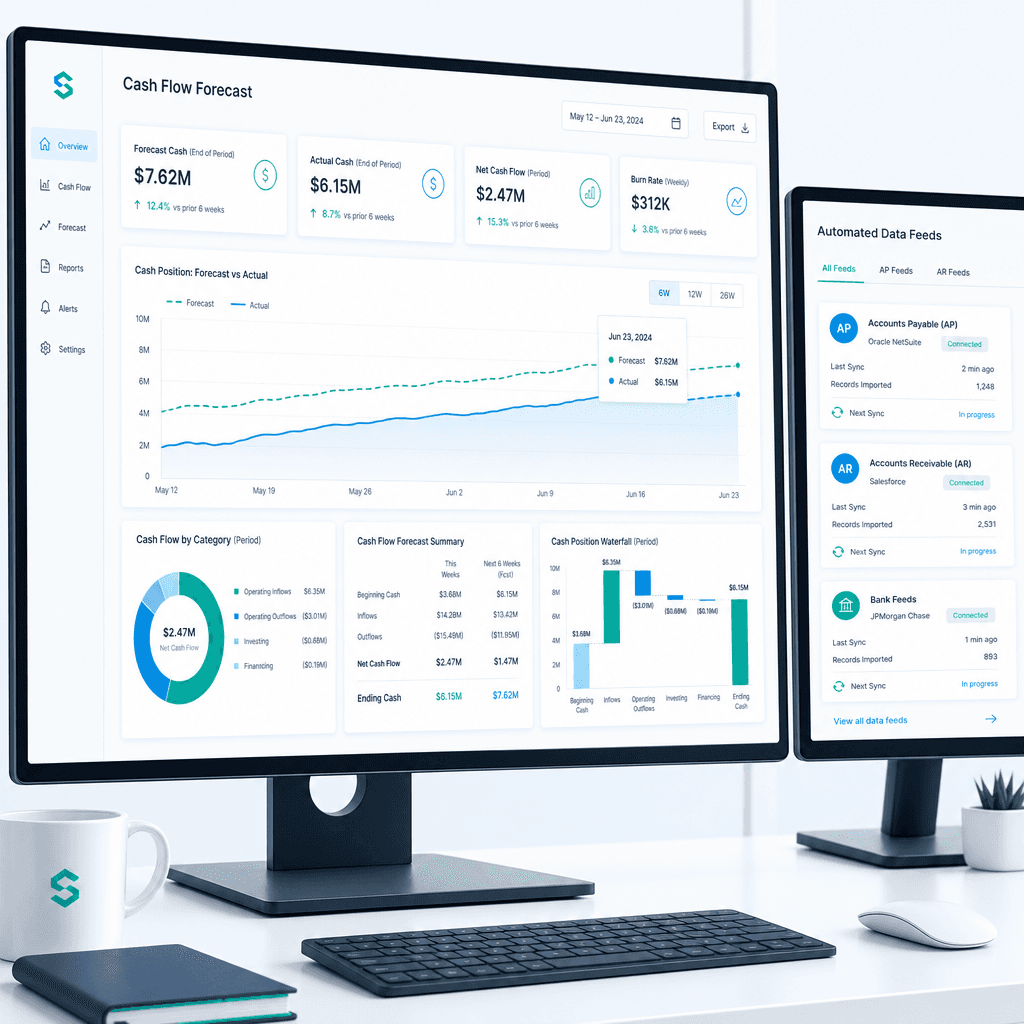
Cash Flow Forecasting Automation: A Practical Guide for Australian Finance Teams (2026)
If your finance team rebuilds the cash flow forecast from scratch every week or every month, you already know where the time goes. Someone pulls an AR ageing…
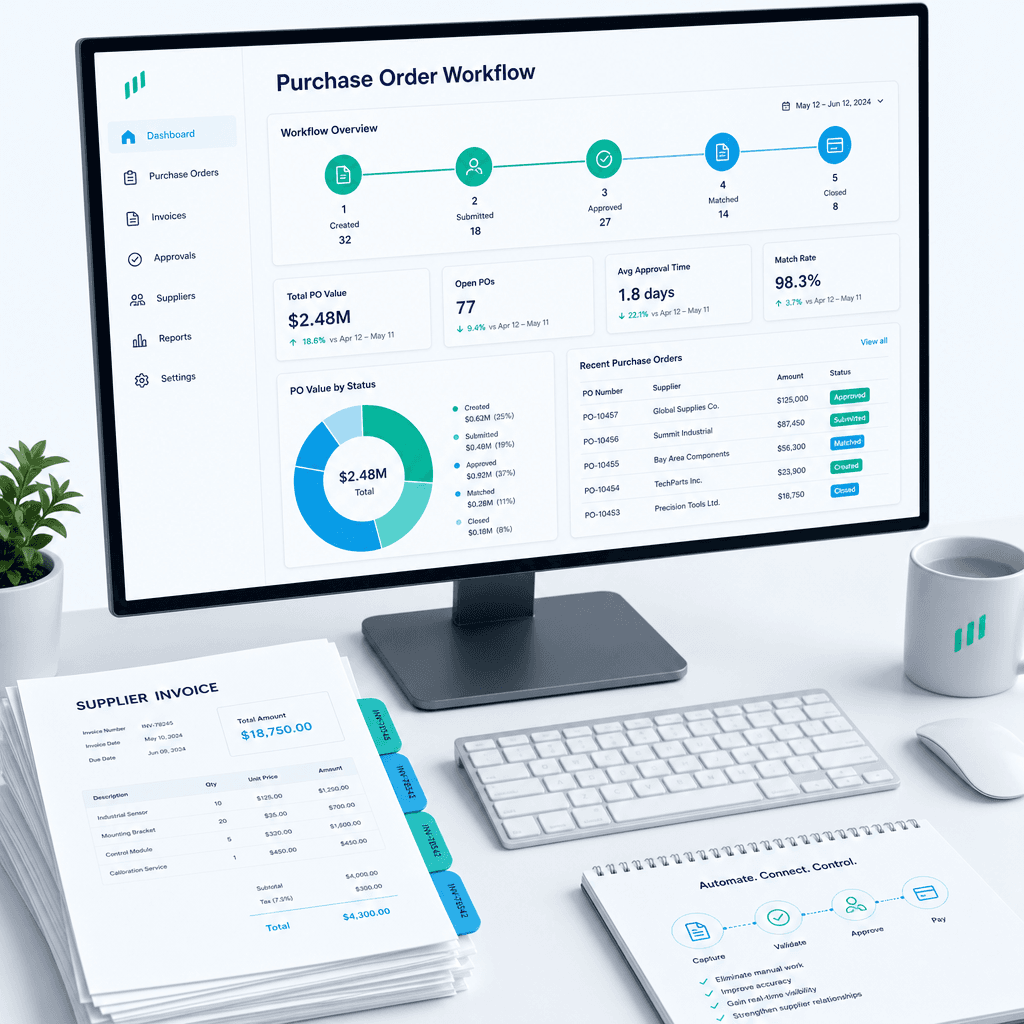
Purchase Order Automation: A Practical Guide for Australian Finance Teams (2026)
If your finance team is still raising purchase orders in a shared inbox, chasing approvals over email, and manually matching invoices line by line before month…
Finance Automation Buyer's Guide for Australian Finance Teams: How to Choose, Scope & Measure Automation That Delivers (2026)
Most finance automation buying decisions are made the wrong way. Teams evaluate vendors on feature lists, watch polished demos, and sign contracts based on…